 ReadoutIQ
Minutes for meetings that are nobody else's business.
ReadoutIQ records your meeting, transcribes it on your iPhone, iPad or Mac, and writes the minutes, the decisions and the action items. The audio never leaves your device.
For iPhone, iPad and Mac.
Transcribed on your device
Whisper runs on your iPhone, iPad or Mac, with strong accuracy on names and technical terms. Recordings are never uploaded to be transcribed.
No server of ours
No accounts, no analytics and no tracking. There is no ReadoutIQ server for anything you record to be sent to.
Your AI, on your key
Minutes are written by Anthropic, OpenAI or OpenRouter on your own API key, and only after you give permission. They receive text, never audio.
Minutes, not just a transcript.
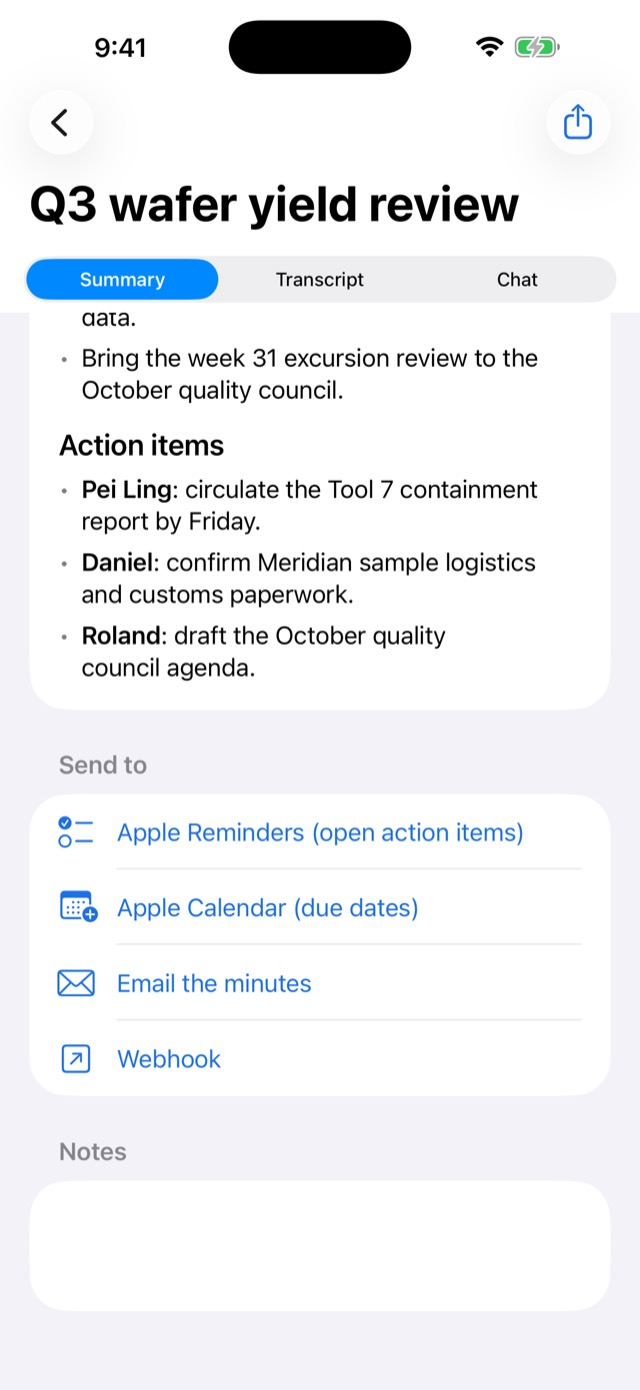
Topic sections, decisions, and action items with their owners, written from the transcript by the AI service you choose.
Send open action items to Reminders, due dates to Calendar, and the minutes to email or a webhook. Or ask the meeting a question in Chat.
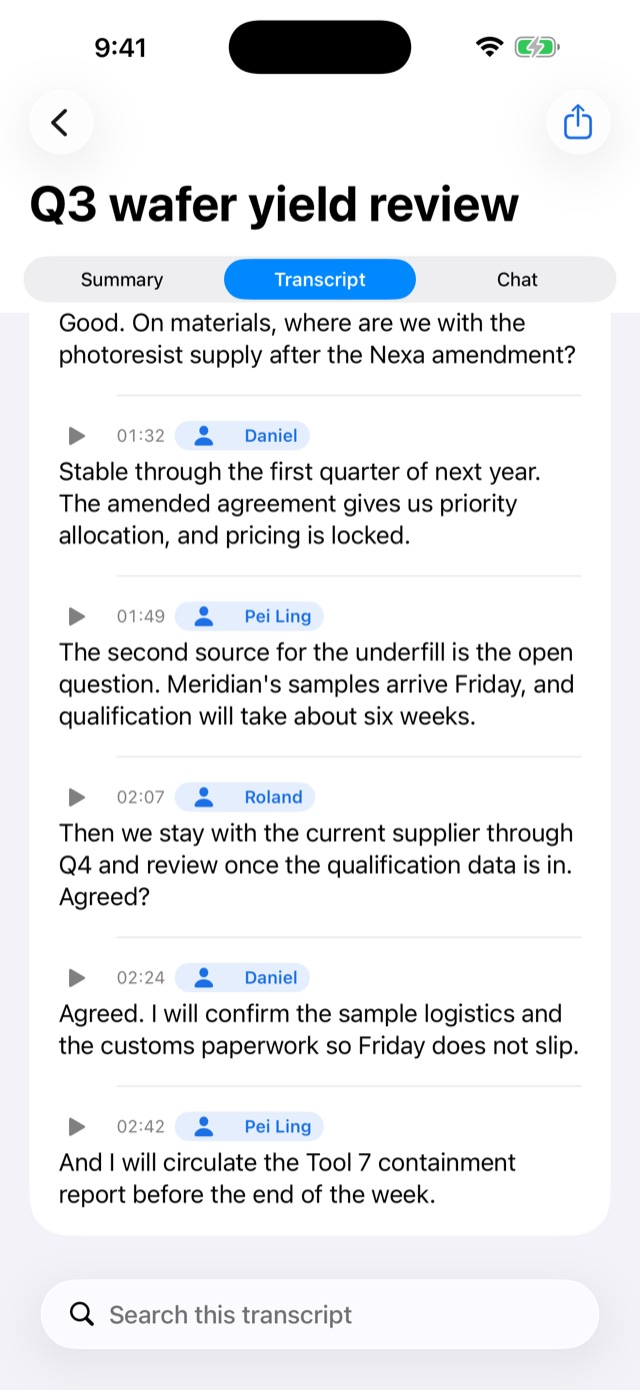
Who said what, worked out on your device.
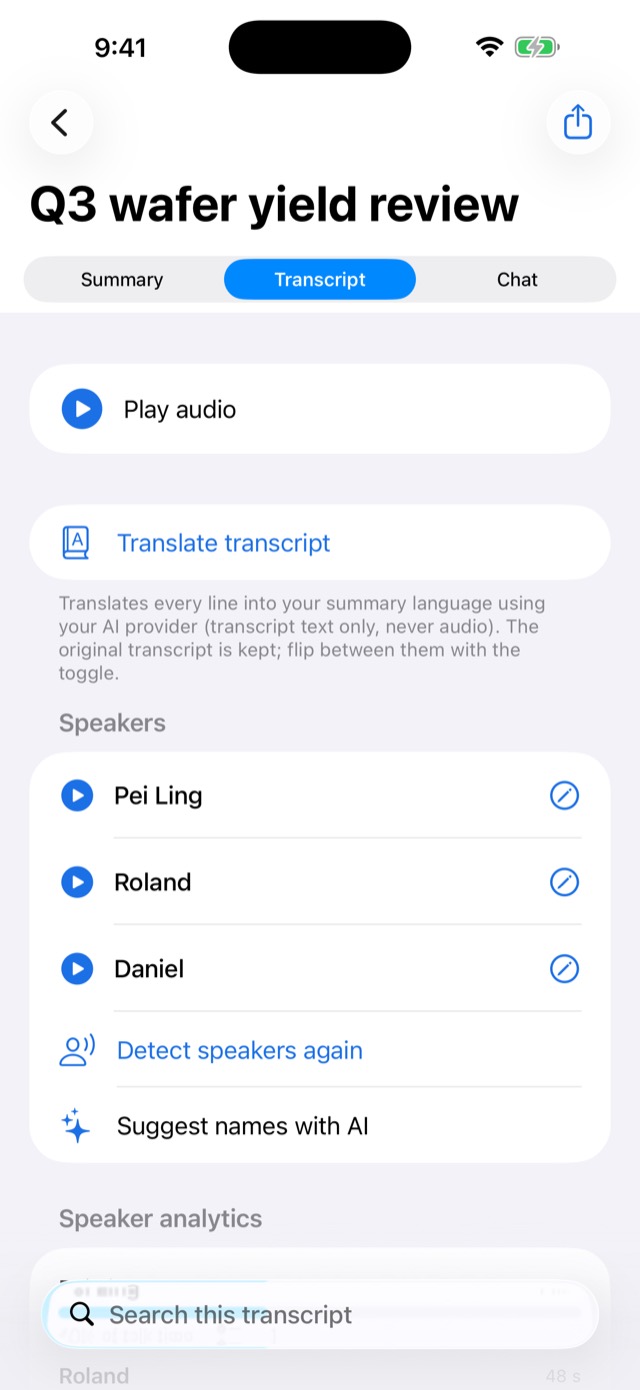
Speakers are separated by how their voices sound, without the audio going anywhere. Name a voice once, and ReadoutIQ suggests that name when it hears the same person again.
See each person's share of the talking, and tap any line to hear that moment.
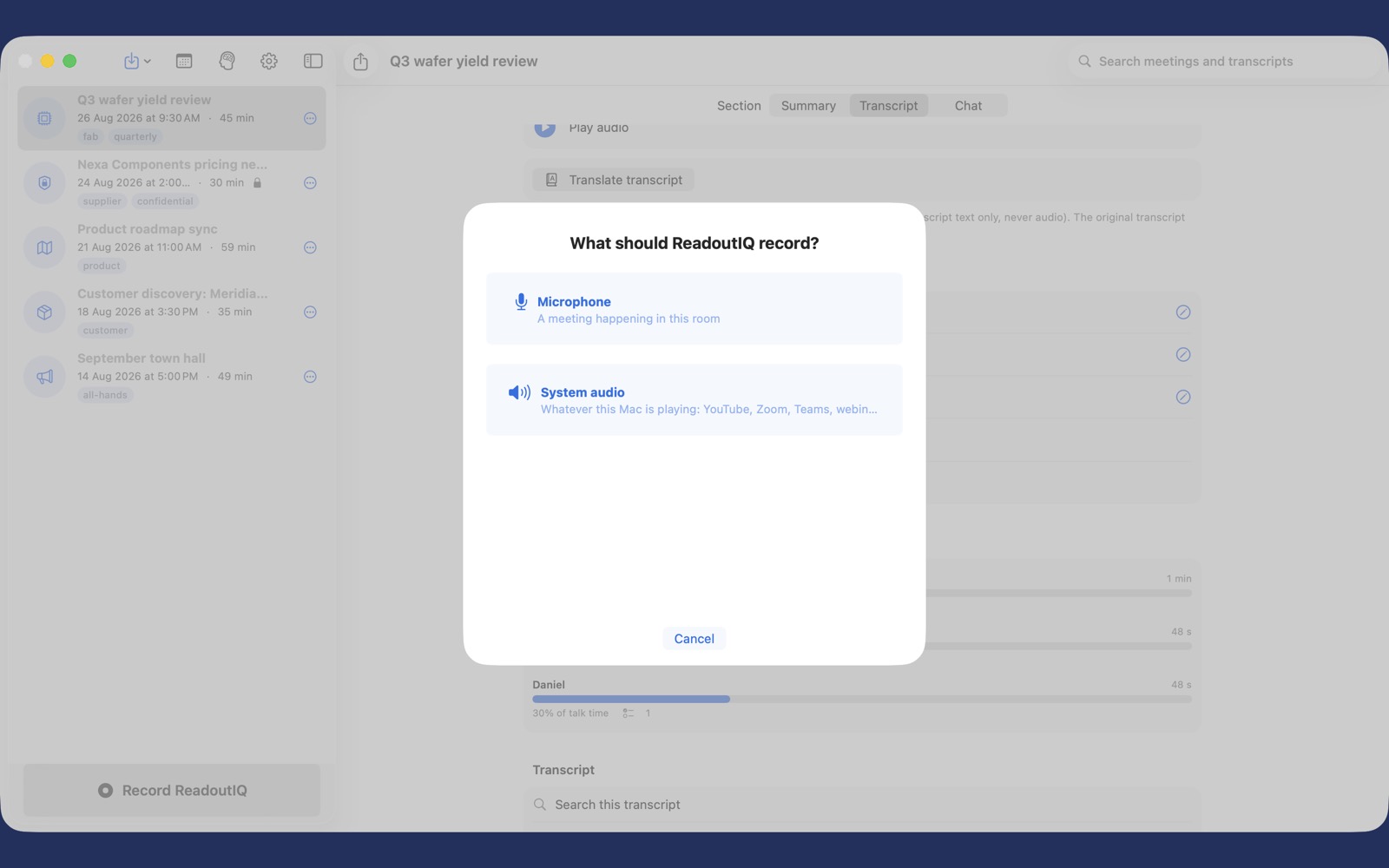
On the Mac, record the call on your screen.
Choose System audio to capture whatever the Mac is playing: a video call, a webinar, a talk. Or use the microphone for a meeting in the room.
A memory across every meeting.
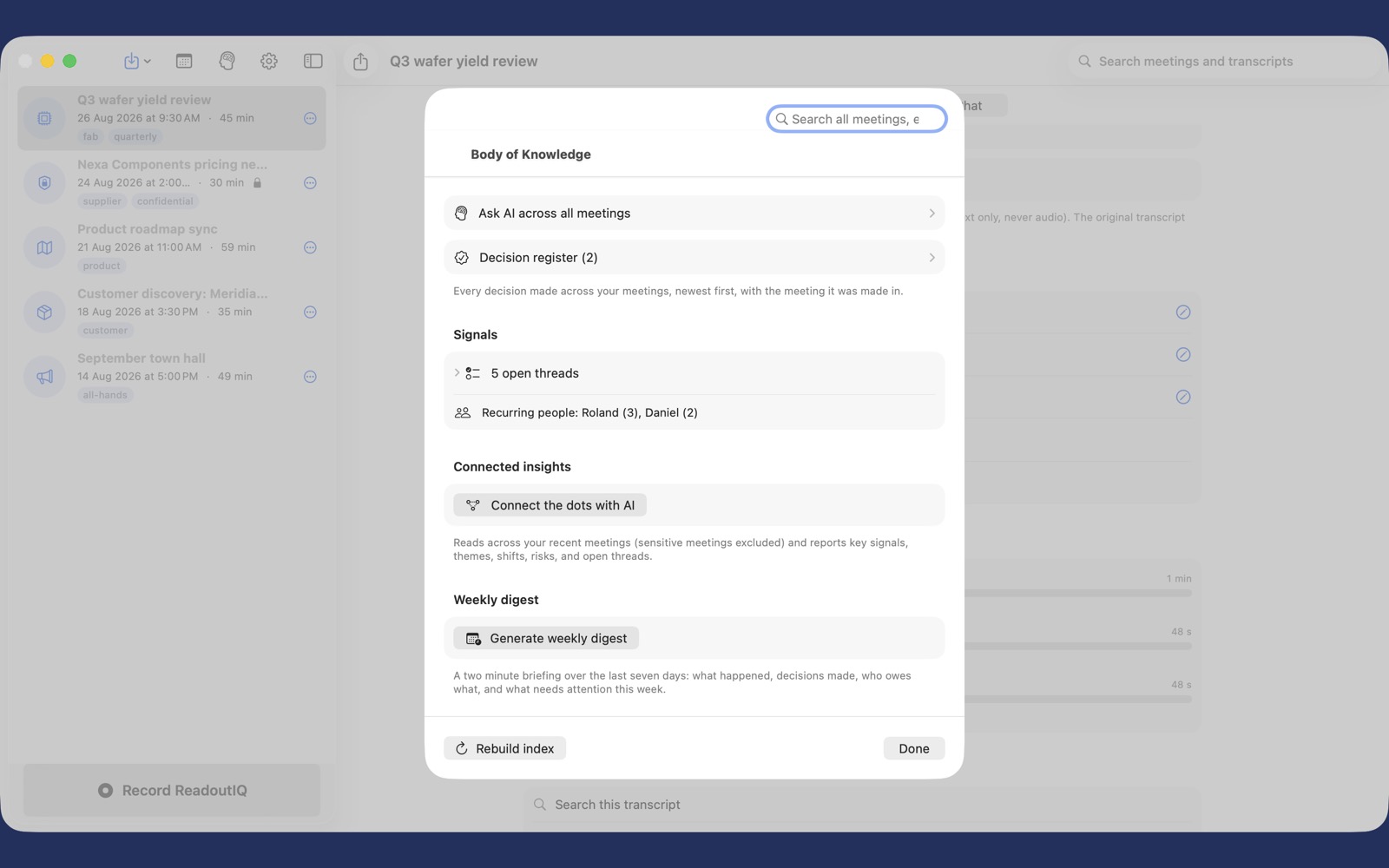
Search all of your meetings on the device. Keep a register of every decision, and see the threads still open and the people who keep coming up.
On every screen you work on.
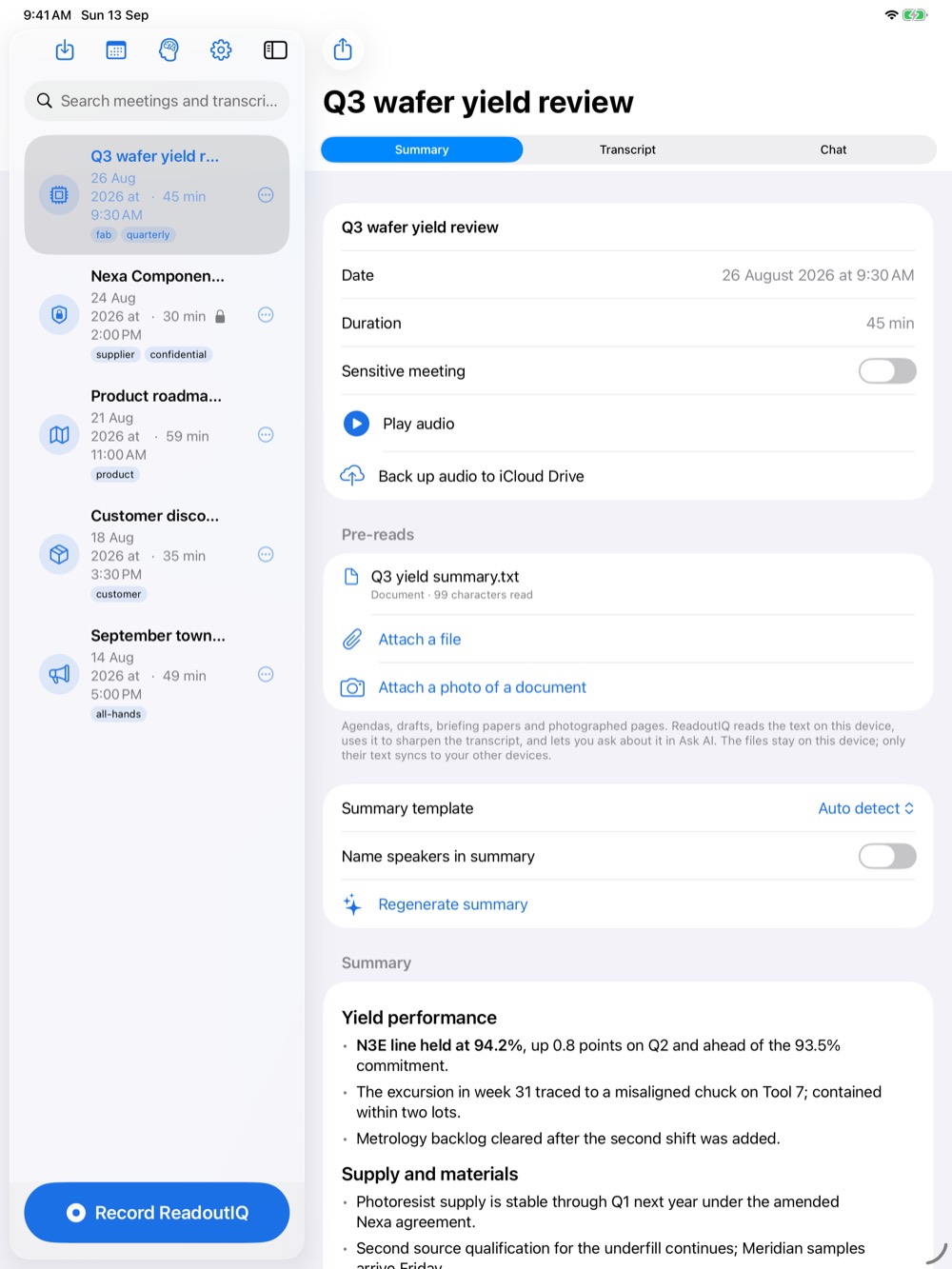
iPhone, iPad and Mac, with your meetings, transcripts and minutes kept in step through your own private iCloud if you turn sync on. Recordings stay on the device that made them.
Your library is never held hostage: export all of it, whenever you like.
How your data is handled.
Plainly, and in full. The Privacy Policy has the detail.
- Your recordings
- Stay on the device that made them. They go to your own iCloud Drive only if you choose to back them up.
- Transcripts and minutes
- Kept on your devices, and synced through your private iCloud only if you turn sync on. We cannot read them.
- What the AI service receives
- Only when you use an AI feature, and only after you agree: the text of the transcript and your notes, plus, where you use them, attached pre-reads and the linked calendar event's title, location and attendees. Never audio. Never a meeting you mark Sensitive.
- What we receive
- Nothing. ReadoutIQ has no accounts, no analytics, no tracking and no server of its own.
Support
The full manual is inside the app, under Settings, Support.
For questions, problems or anything else, email angweeseng@hotmail.com. Replies come from the developer.
Moving from ScribeIQ
Export your library in ScribeIQ (Settings, Export your library), then import the archive in ReadoutIQ (Settings, Import a library).
Importing only ever adds, and importing the same archive twice never duplicates anything.